|
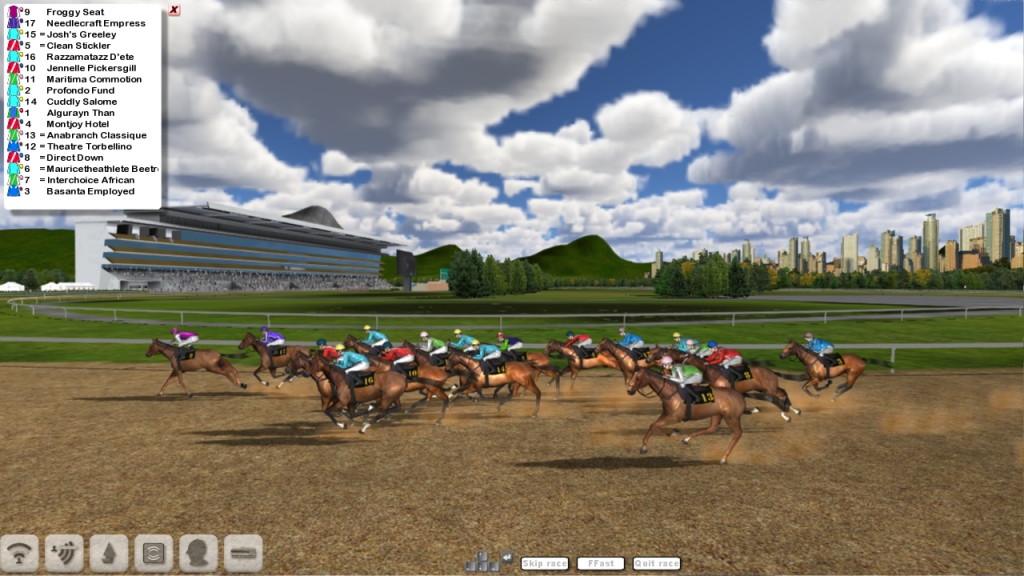
Note that during a race the player can skip to the
end of the race by pressing SPACE. Also the player can
skip to the end of the next furlong by pressing TAB
(this key is only active AFTER the first two furlongs
have been completed).
Starters Orders 2 'racing novice' Quick play guide
This guide has been designed to assist the new player
by stepping through the basics of entering a horse for
a race, accessing form and placing a bet before watching
the race unfold.
Note that during a race the player can skip to the
end of the race by pressing SPACE. Also the player can
skip to the end of the next furlong by pressing TAB
(this key is only active AFTER the first two furlongs
have been completed).
1. When starting a new game select a number of autorace
form the AUTORACES list box (4 or 6 months should be
enough). This results in most horses having past form
at the game start and makes betting and form analysis
more interesting.
2. In a Standard Training game (default) the player
begins with 3 un-raced horses, usually in need of some
work to attain peak fitness.
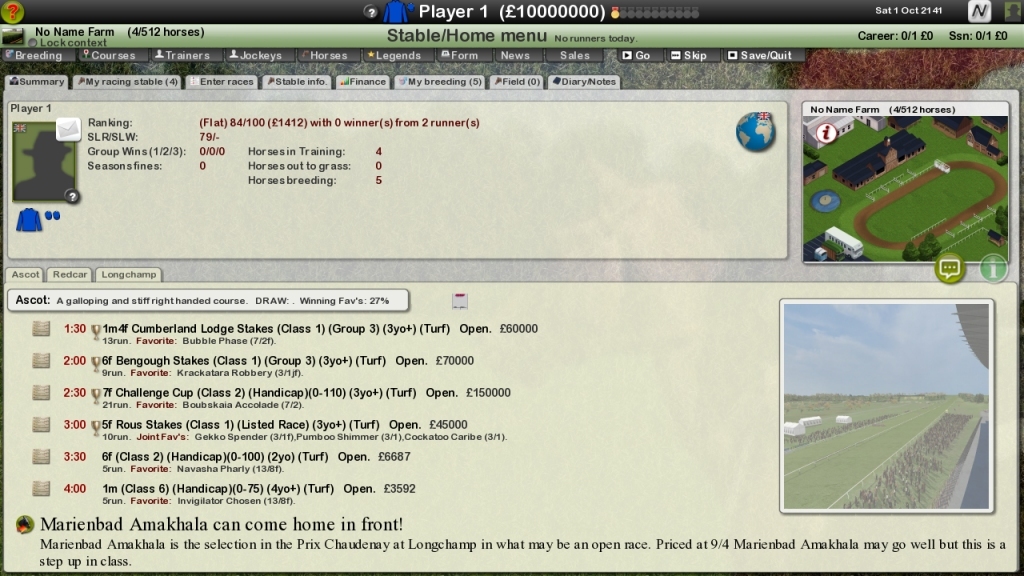
3. After starting a new game the player arrives at
the HOME/STABLE menu. From here the player can organise
Stable finances, set individual horses training options,
enter horses for future races and view future race details,
view racecourse details, view race diary, view the Trainers
Table and access all Trainer data, view the Jockey table
and access all Jockey data, access all individual horse
data screens, view the formbook or Go Racing!
4. Click on the DECLARATIONS button on the left of
the screen. The Declarations screen lists all of the
coming months races along with the current declarations
(horses declared to run in a race by their Trainers),
Booked jockeys, Current weights (the weight a horse
is set to carry in a race can change depending on fluctuating
fields) etc.
5. Select one of your horses by clicking on the small
white 'S' icon in the top left table next to the horse
you wish to race (if you click on the horses name and
view it's data screen this also 'selects' the horse
on return. Note that the list of races in the main window
has now changed. Your horse is eligible to enter any
race in this window. Highlight and click on a race (in
yellow). The current race details now appear in the
CURRENT DECLARATIONS window at the bottom right of the
screen. The available jockeys appear in the window above.
Note that you can click on ANY yellow field for further
data on the subject and return to this page later.
6. Click on the ENTER HORSE button in the ENTRY SELECTIONS
window (top-right). Note that your horse now appears
in pink in the CURRENT DECLARATIONS window along with
its allocated racing weight. Exit by clicking on the
top right EXIT button (you do not have to book a jockey,
if none are booked then one will be booked automatically
for you before race day).
7. Notice that the horse you have just entered for
a race now has the race details displayed next to it
in the OWNED HORSES window. If this text is highlighted
in pink then the race takes place at the current days
meeting. You can skip days if desired by clicking the
SKIP DAY button on the left of the screen.
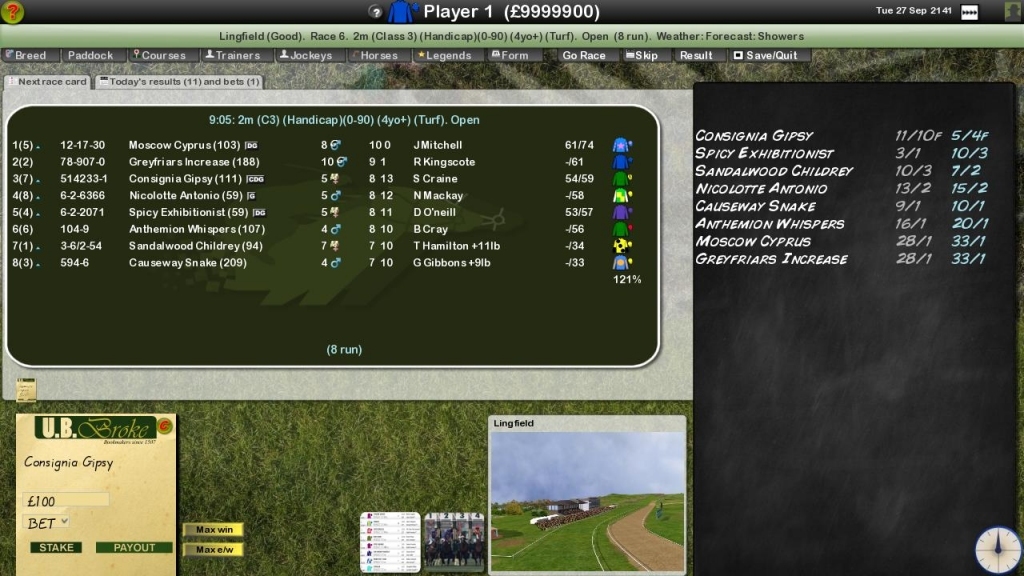
8. Click the GO RACING button. The field and odds for
each horse are displayed on the bookmaker's blackboard
to the right of the screen. Before placing a bet or
viewing the race you will need to assess the form. Click
on the RACECARD button towards the left of the screen.
As always the player can click on any yellow field and
return using the back button. The racecard displays
all the important data for the field in a realistic
manner. By clicking on the individual horses FORM STRING
(to the left of the horses name) the player can browse
all the horses previous races in detail. By clicking
on the horses name the player can view the horses details
and browse/filter the horses form for analysis.
9. Click the BACK button or the BARNCH QUIT button
(if available) or press Escape to return to the RACE
MENU with the blackboard. Place a bet by clicking on
a horses name and filling in the betting slip. To fill
in the betting slip first enter the STAKE in the stake
input box, then select the BET TYPE and then click the
PLACE BET button. Now click VIEW RACE to watch the race
unfold. Note that if one of the players owned horses
is entered in the current race the player can select
from a range of jockey tactics or alternatively, can
select to control the horse via the mouse. These options
are covered in the manual.
10. After the race has completed the result will be
displayed and the runners and riders displayed for the
next race.
Note: If you are playing without the 'simple training
mode' enabled you should go to the Training page and
set all your horses to LOT1. This should enable your
horses to reach peak fitness fairly quickly, however,
be sure to read the Training section of the instructions
to get the most out of your training options.
|