SUPPORT FAQs

Frequently Asked Support Questions:

Please note that if you do not find the answer to your question on this page you may email support by clicking here. Also go to the FORUMS for the most up to date technical support information.

PAYMENT /REACTIVATING LICENCE ISSUES UPDATE (Web version):

We are now supporting softwraps front end payment system for the Starters Orders series so you should now receive a prompt response in the event of any problems you may be having. The most frequent issue reported is that a user had re-formatted their hard drive and wants to know how to get the game working again. It is important that when you purchase the game you make a note of the serial number (purchase reference) that softwrap email you. Keep this somewhere safe as in the event you need to re-install after changing machines or formatting your hard drive you simply download the game again and select the 'reinstall the licence' when you first run the game and enter your serial number. If you have lost this number or have a problem reactivating the game then please email us with the email address you used to purchase, the licence holders name and if possible the rough date of purchase and we will get back to you.

Q. During the payment process I get an error and the process does not complete (web version).

A. This is often related to cookies (cookies are used by websites to store data you may be inputting before it is processed). Open up your web browser and click on 'Tools', then 'Internet Options', then 'Privacy' and click 'Sites'. Just add www.softwrap.com and click the 'Allow' button.

Q. When I try to run the game (demo or full version) I get a 'COULD NOT CREATE DIRECT INPUT OBJECT' error!

A. Do you have a USB mouse? If so please try a PS2 mouse or read the following:

you can set USB LEGACY SUPPORT (or USB MOUSE SUPPORT) from your BIOS (so the game will work with your USB keyboard/mouse). All BIOS's are different. You should not do this unless you are comfortable with it (you may need to get someone to help):
1. Turn on your computer and enter the System Setup for BIOS before Windows starts.
2. After you enter the BIOS, look for the USB Legacy Support (or USB MOUSE SUPPORT) setting. Usually, this setting is found under the Advanced, Peripheral, or Peripheral Configuration menu, however your BIOS may be different.
3. Select USB Legacy Support (or USB MOUSE SUPPORT) and change the setting to Enabled. Do not change any other BIOS settings.
4. Save the settings and exit the BIOS. Allow Windows to start. If that does not work or you get any problems you can go back into your BIOS and set it back.

Q. The installer locks up during installation!

A. This is usually due to a conflict with Anti-virus software while installing a new font required by the game or other similar software. Some third party virus checkers can block the installation of

new fonts. Try disabling any Anti-virus software until installation is  complete. If this does not work we suggest you try disabling all software you have running on your machine while you install the game. If this still does not work then you can download the game files (without the installer) in zip format here. You will then have to unzip the files to your hard drive (recommended you create a folder named c:\\games\\Starters Orders 2). You will then have to copy any files in the FONTS folder (in your starters orders 2 folder) in to your WINDOWS\FONTS folder. Finally run SO2.EXE for the full game or SO2DEMO.EXE for the demo.

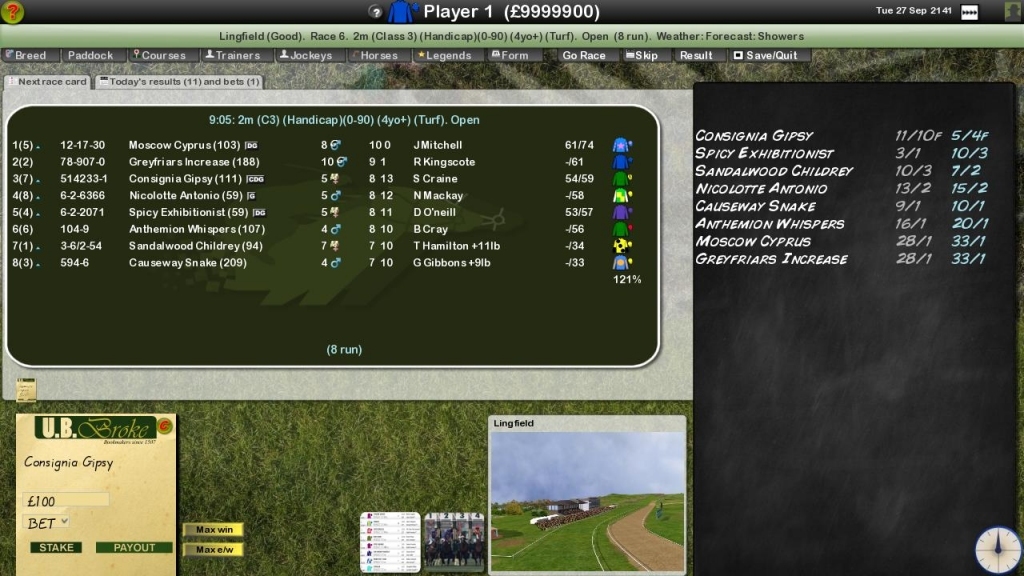
Q. There is no text on the Training  screen or the bookmakers blackboard (race screen) or I have other graphical problems/crashes.

A. Try rebooting. If this problem remains then update you  video card drivers. Out of date video card drivers are a common cause of graphical problems/crashes.

Q. When I try to pay for the game I  get an ACTION CANCELED browser window and nothing happens. (web version)

A. This commonly occurs if the user is on a dial-up or slow internet connection. Do not close the browser window. The payment software  is loading and can take a few minuets to load correctly.

Q. While entering my payment details I get a PLEASE ENTER CORRECT CARD DETAILS dialog box even  though I have entered my card number correctly. (web version)

A. If you have entered SPACES in your card number remove these and payment should process fine.

Q. I have applied a patch and now Starters Orders won't register so I can't play. (web version)

A. CHECK YOU HAVE INSTALLED THE CORRECT PATCH! Installing the wrong patch can lock you out of the game. If you have installed the wrong patch simply reinstall the entire game (using the game installer you originally purchased) and the game will work/register  again. If you continue to have problems contact Softwrap who deal with payment issues (contact at bottom of this page).

Q. I have graphical problems. For example, some text (usually the ODDS on the betting board) is missing  or the race sequence graphics are corrupted etc.

A. The vast majority of these reports  can be fixed by updating your video card drivers. You can do this by visiting the video card manufacturers website. 

Q. (Starters Orders 2) When I start a new game or load a previously saved game the application 'freezes' and will not continue.

A. Browse the folder where you installed the game to (usually 'c:\games\starters orders 2') and delete the ATG.DAT file from the DATA folder.

Q. The text in the game overlaps and appears too big.

A. Have you set your desktop fonts to LARGE? If so set them  back to SMALL via the con troll panel. Select: Start > Settings > Con troll Panel> Display > Settings > Advanced.

Q. Both  the Demo and the Full version crash on startup.

A. Do you have a recent version of DirectX on your machine?  Starters Orders requires DirectX 7 or above to work correctly.  Visit the Microsoft  website to download DirectX.

Q. Either version crashes on startup with a 'Can't set video mode' error.

A. Starters Orders requires a graphics card that can support 800x600x16bit display mode. This won't be a problem unless  you have a very old graphics card installed.

Q. During the race the scrolling looks wrong or the race sequence runs slowly.

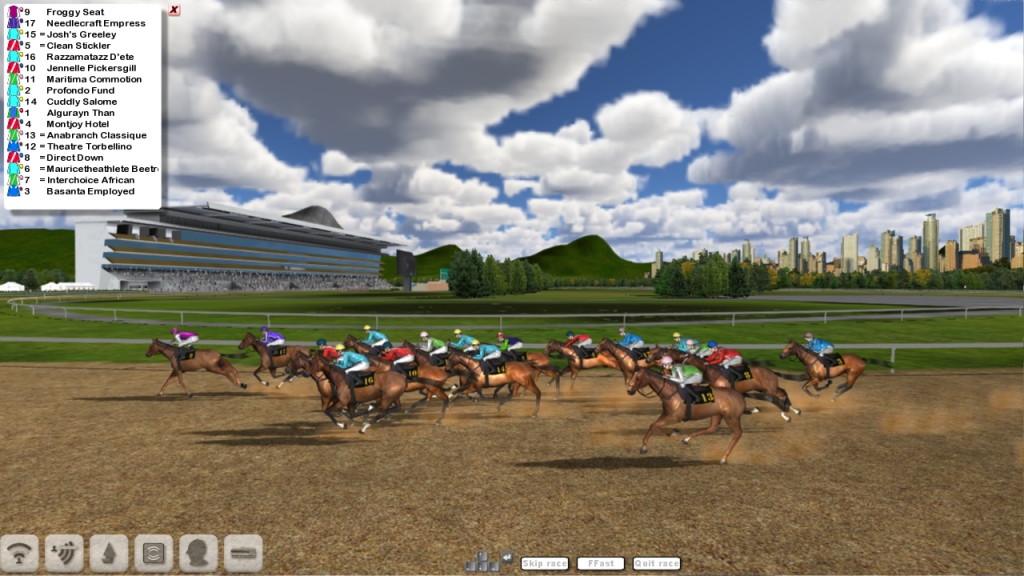
A. Unless your machine is below the minimum spec (or you have not updated your vide card drivers recently) you should not have any problems with the race sequence. On some newer video cards there will be an Antialiasing setting (in the video card settings). If you have Antialiasing set ON the try setting it either APPLICATION CONTROLLED or OFF and this should fix any slow down issues.

Q. The game crashes whenever I click the CONTINUE button or my saved game always crashes at the same date (and I have the latest patch).

A. It is possible your save game is corrupt. Browse the Starters Orders folder where you installed the game to. Delete all  the files in the SAVES folder (but not the folder itself) and start the game again.

Q. My payment is being refused. (web version)

A. Softwrap have stated that due to increased (AVS) security checks with STERLING payments even the smallest error such as wrong case or space in the wrong place can result in payment  being refused. If you are having problems paying and have  the UK Sterling version then DOWNLOAD the latest patch and  overwrite the required files. Payment will now be requested in US Dollars. Softwrap have reported that payments are less  likely to be refused if payment is made in US Dollars.

Q. I have a question concerning payment. (web version)

A. The payment process uses Softwrap's secure servers. Once  payment is made via credit card the game is 'unlocked' and can be played. Please contact us with any questions/issues.


Q I have reformatted my machine/purchased  a new machine. How do I reactivate my game? (web version)

A. YOU DO NOT HAVE TO PAY FOR THE GAME AGAIN! Reinstall the game and select the REINSTALL THE LICENSE option and enter your purchase ref (that you were emailed on purchase). If you have lost this information or you are not allowed to reinstall the license for any reason please email us.

Q. Where is the manual for the game?

The manual is stored in word format  on your hard drive. From your desktop click START > (ALL) PROGRAMS > STARTERS ORDERS > INSTRUCTIONS.

For any problems related to paying for the game and getting past the registration screen  contact softwrap (below). Otherwise if you have not found  an answer to you specific problem please post on the technical support forum. You can access the forums here.


SOFTWRAP CONTACT INFORMATION (web version). Softwrap provide and maintain the front end payment and also process your credit card payments. You may contact them below:

EMAIL:

Email softwrap here.


 Copyright Strategic Designs, Ltd. 2005, All Rights Reserved.www.strategicdesigns.co.uk